Update: A newer version of this post is available here Congratulations to all those who got a new Silhouette machine for Christmas. No doubt you are anxious to get started…or maybe you are just anxious. Either way, here are some things I wish I had known from the get-go.
Archives for 2013
Power tips for text to path in Silhouette Studio
If you’ve only been using “text to path” in Silhouette Studio to curve words into a circle, then you have barely scratched the surface of what this fun feature can do.
Free fall sketch file
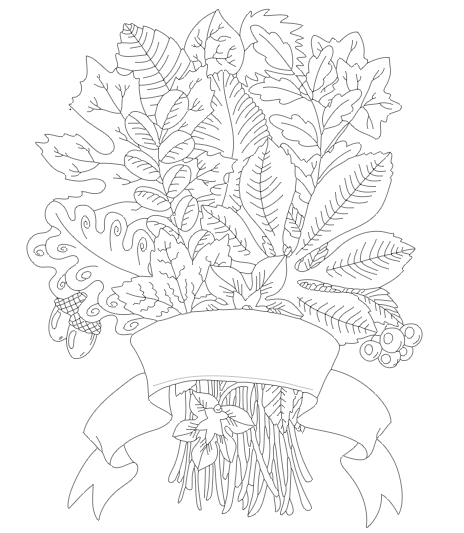
Here’s another fall image I converted to a sketch file with Adobe Ilustrator. Hope you enjoy using it.
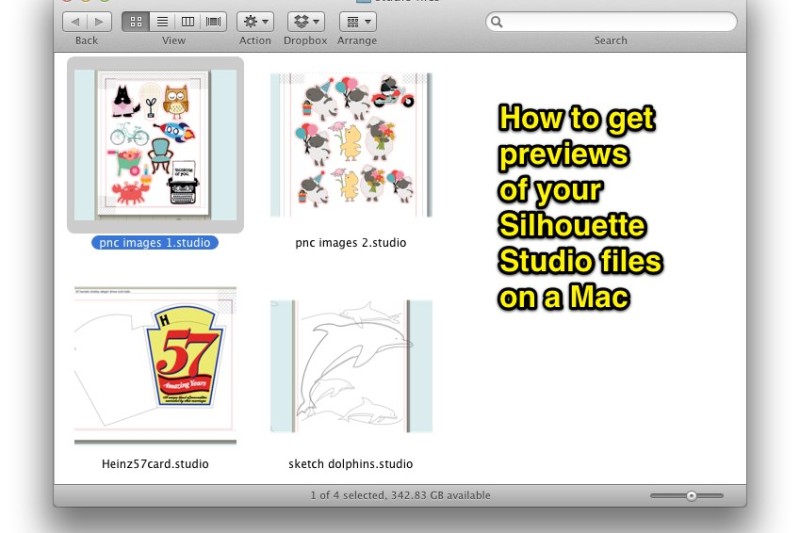
Adding thumbnails to your .studio files on a Mac
One of the shortcomings of the .studio file format is that there is no file preview. For Mac users, there is a relatively quick solution, although not an automatic one.
Border Bits – a new free dingbat font
I am proud to introduce another dingbat font designed for diecutters, at least that’s how it started. Silhouette Studio, Microsoft Word and even Photoshop are among the programs that can wrap text on a path but can’t wrap objects … or so it seems.
Quick video on using transparent tiles in Silh Studio
Quick video on using transparent overlay patterns in Silhouette Studio
Pattern overlay tiles for Silhouette Studio and SCAL
Free pattern overlay tiles for Silhouette Studio and how to use them.
10 more great welding cursive fonts for diecutters
Here’s a list of 10 more cursive fonts that cut and weld wonderfully, and, as you can see, they look great as well.
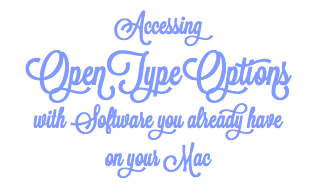
Accessing OpenType options with software you already have on your Mac
OpenType fonts are amazing, but you can’t get to all the awesomeness without Adobe Illustrator or InDesign, right? Wrong! Where there’s a will, there’s a way to get your hands on a bunch of OpenType features and every single glyph using just the software that comes with your Mac.
Part 8 … Tracing Without Tears
Part 8 of the Tracing Without Tears series puts the point editing info from Part 7 into use to clean up a broken line trace, and to manually trace an image that can’t be autotraced.